 Beau
BeauIs My Site Blocking ChatGPT?
Probably not on purpose. That’s exactly why it’s worth checking.
Open a new tab and type your website address with /robots.txt on the end. It takes four seconds.
That little text file is the bouncer at the front door of your website, holding a list of who’s allowed in. Almost nobody who runs a small business has read theirs — and in the last couple of years, that list became the difference between getting recommended by ChatGPT and being invisible to it.
Reading it
robots.txt sits at the root of your site, names bots (“user agents”), and tells each one what it may fetch. It’s a request, not a wall, but the major AI companies honor it.
Two lines matter more than the rest:
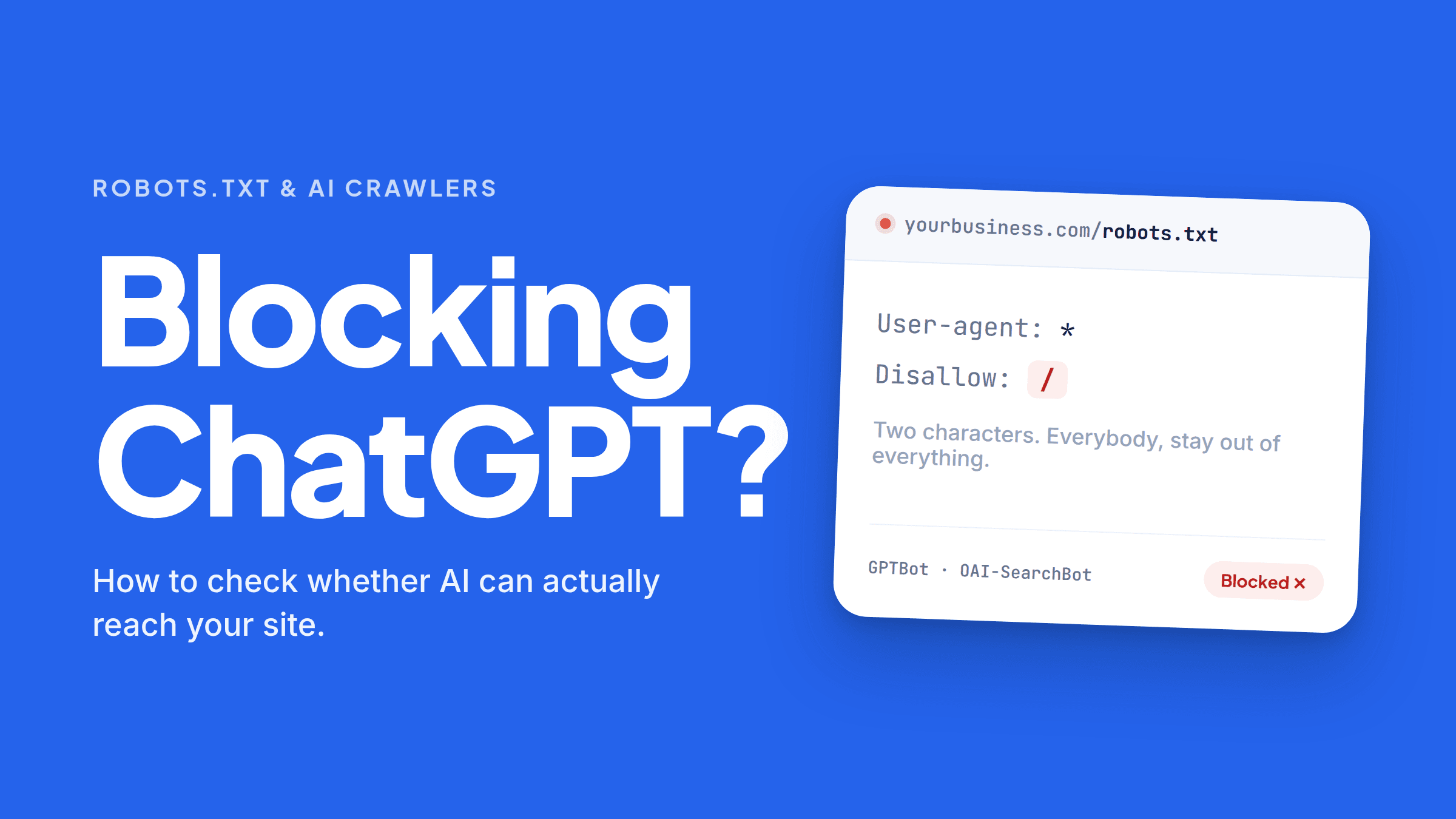
User-agent: *
Disallow: /
Everyone, stay out of everything. Usually a leftover from when the site was being built.
Confusingly, Disallow: with nothing after it means the opposite — nothing is off limits. Blank is
good. A slash is the problem.
There’s no such thing as “the ChatGPT bot”
OpenAI sends three, and they do different jobs.
GPTBot gathers content that may train future models. OAI-SearchBot indexes pages so ChatGPT can
retrieve and cite them — this is the one that gets you named. ChatGPT-User fetches a page live
when someone asks ChatGPT to go read it.
Everyone follows the same pattern: ClaudeBot / Claude-SearchBot / Claude-User for Anthropic,
PerplexityBot / Perplexity-User for Perplexity. Google is the odd one — Googlebot feeds AI
Overviews and AI Mode, while Google-Extended isn’t a crawler at all, just a token controlling
whether your content trains Gemini.
The mistake that costs citations
Someone reads a headline about AI scraping the web, adds User-agent: GPTBot / Disallow: /, and
feels responsible. That’s a fine decision about training data — and it has almost no effect on
whether ChatGPT recommends you, because search runs on a different crawler.
Run it the other way and it’s worse. Block OAI-SearchBot thinking you’re opting out of training,
and you’ve done the exact reverse of what you intended: out of ChatGPT’s citations, still feeding
the model.
Google has the same trap. Blocking Google-Extended only opts you out of Gemini training. AI
Overviews are fed by Googlebot and have no separate off switch.
Training access and citation access are two different decisions. Make each one deliberately.
Four ways you’re blocked without choosing to be
- The staging leftover.
Disallow: /added so the half-built site wouldn’t hit Google, never removed at launch. Most common cause, easiest fix. - Your CDN decided. Cloudflare has blocked AI crawlers by default for new domains since July 2025, and from September 15, 2026 that tightens further — training and agent crawlers blocked by default on ad-bearing pages, including for existing free-tier accounts.
- Your firewall or security plugin. robots.txt says come in; the WAF answers with a 403 or a 429. This has been one of the top causes of missing citations.
- Your platform’s default. Builders and hosts ship AI-blocking toggles, sometimes already on.
robots.txt is only the first door
Wide open and still invisible? Usually JavaScript. If your FAQ or service details render client-side — how nearly every FAQ plugin works — crawlers read the raw HTML, find nothing, and leave. Same story for content behind a login, a cookie wall, a PDF, or a booking widget.
What open looks like
User-agent: OAI-SearchBot
Allow: /

User-agent: ChatGPT-User
Allow: /

User-agent: Claude-SearchBot
Allow: /

User-agent: Claude-User
Allow: /

User-agent: PerplexityBot
Allow: /

User-agent: Perplexity-User
Allow: /

User-agent: Googlebot
Allow: /

Sitemap: https://yourbusiness.com/sitemap.xml
A named group overrides a blanket User-agent: * / Disallow: / for that bot — but leave the
blanket rule out anyway, since it shuts out everything you didn’t think to name.
Then handle training separately. Allowing GPTBot, ClaudeBot, and Google-Extended makes your
business part of what these models generally know, which for most small businesses is upside.
Blocking them is defensible if you publish something proprietary. Just don’t do it by accident,
aimed at the wrong bot.
Confirming it
robots.txt tells you what you permitted, not what happened. Three checks:
- Fetch your own page as a bot. Run
curl -A "OAI-SearchBot" -I https://yourbusiness.com. A 200 is good. A 403, 429, or challenge page means something in front of your site is saying no. - Grep your logs for
gptbot,oai-searchbot,claudebot,perplexitybot. If those names never appear, nobody’s knocking. - Ask the engines. Type a real customer question into ChatGPT, Perplexity, and Google and see whose names come back.
Where FaqFlo comes in
That’s an afternoon of work, and you have to know which four things to check.
FaqFlo’s audit does it in one pass: reads your robots.txt for every AI user agent that matters, checks whether your key content is in the raw HTML or trapped behind JavaScript, and tells you whether you’re cited today. One score, plain language, specific enough to forward to whoever built your site. Then it fixes the other half — publishing your answers as crawlable HTML on your own domain, so once the door’s open there’s something worth quoting behind it.
Being blocked is embarrassing but fixable. Being open with nothing readable is the more common problem. Both take about the same afternoon.
Frequently asked questions
How do I check if my site is blocking ChatGPT?
Visit yourbusiness.com/robots.txt and look for “Disallow: /” under User-agent: *, GPTBot, OAI-SearchBot, or ChatGPT-User. Then confirm the door is really open by fetching a page as a bot: curl -A "OAI-SearchBot" -I https://yourbusiness.com. You want a 200, not a 403 or 429 from a firewall.
Does blocking GPTBot stop ChatGPT from recommending my business?
No — this is the most common misunderstanding. GPTBot collects training data. ChatGPT’s citations come from a separate crawler, OAI-SearchBot. You can block GPTBot and still be cited, or block OAI-SearchBot and lose citations while your content still trains the model.
Does blocking Google-Extended remove me from AI Overviews?
No. Google-Extended controls whether your content trains and grounds Gemini. It doesn’t affect Google Search inclusion, and AI Overviews and AI Mode are fed by Googlebot, which has no AI-only token. If Googlebot can index you, you’re eligible.
Which AI crawlers should I allow?
For citations: OAI-SearchBot and ChatGPT-User, Claude-SearchBot and Claude-User, PerplexityBot and Perplexity-User, and Googlebot. Training crawlers — GPTBot, ClaudeBot, Google-Extended, CCBot — are a separate call, and allowing them generally helps a small business.
Why would my site block AI crawlers if I never set that up?
Four usual suspects: a “Disallow: /” left over from development, a CDN like Cloudflare applying its AI-blocking defaults, a security plugin or firewall returning 403s regardless of robots.txt, or a toggle your site builder shipped switched on.
My robots.txt is fine but I’m still not getting cited. Why?
Permission isn’t readability. If your answers render with JavaScript — how most FAQ plugins and accordion widgets work — crawlers read the raw HTML and see nothing. Content behind logins, cookie walls, PDFs, or booking widgets has the same problem. Your answers need to exist as plain, crawlable HTML on your own domain.

Written by
Beau
👋 Hi, I’m Beau. I’ve spent almost 20 years in marketing — long enough to watch the whole game change more than once. I was there when SEO was the answer, then social, then content, and now the biggest shift yet: people asking AI instead of Googling. Somewhere along the way I got tired of watching good small businesses do everything “right” and still stay invisible to the tools that increasingly decide who gets found. That’s why I built FaqFlo — my mission is to help you grow your business in the modern world of AI, so you become the answer, not just another link nobody clicks.
Looking for something else?
Search the archive by title, summary, or the questions a post answers.