 Beau
BeauGoogle’s Preferred Sources Button: What It Is and Whether You Need It
Two lines of code let a reader tell Google “show me more of this site.” Here’s what that’s actually worth.
What preferred sources actually is
Preferred sources is a Google setting that lets a signed-in person choose the websites they want to see more of. Once someone picks your site, Google is more likely to put your content in front of them — and only them.
Think of it like following someone on Instagram, except it happens inside Google Search. The person is telling Google, “I trust this site. Show me more of it.”
Google says people have already picked more than 600,000 unique sources.
This isn’t brand new. Readers have been able to do this since 2025, and in May 2026 Google extended it into AI answers. What’s new is how they do it.
What changed on August 20
Before, a reader had to leave your page, go find a Google settings screen, search for your site, and add it. That’s a lot of steps for someone who just wanted to read your post about water heaters.
On August 20, 2026, Google released an interactive “Preferred Sources” button that publishers can put on their own pages. When a reader clicks it, it adds the site as a preferred source and sends them straight back to where they were on your page.
So the whole thing now happens in one click, without the reader losing their place.
What it does — and what it doesn’t
This is where a lot of the write-ups get sloppy, so here’s the careful version straight from Google’s own documentation.
In Top Stories: your content is more likely to appear, marked with a “preferred” badge.
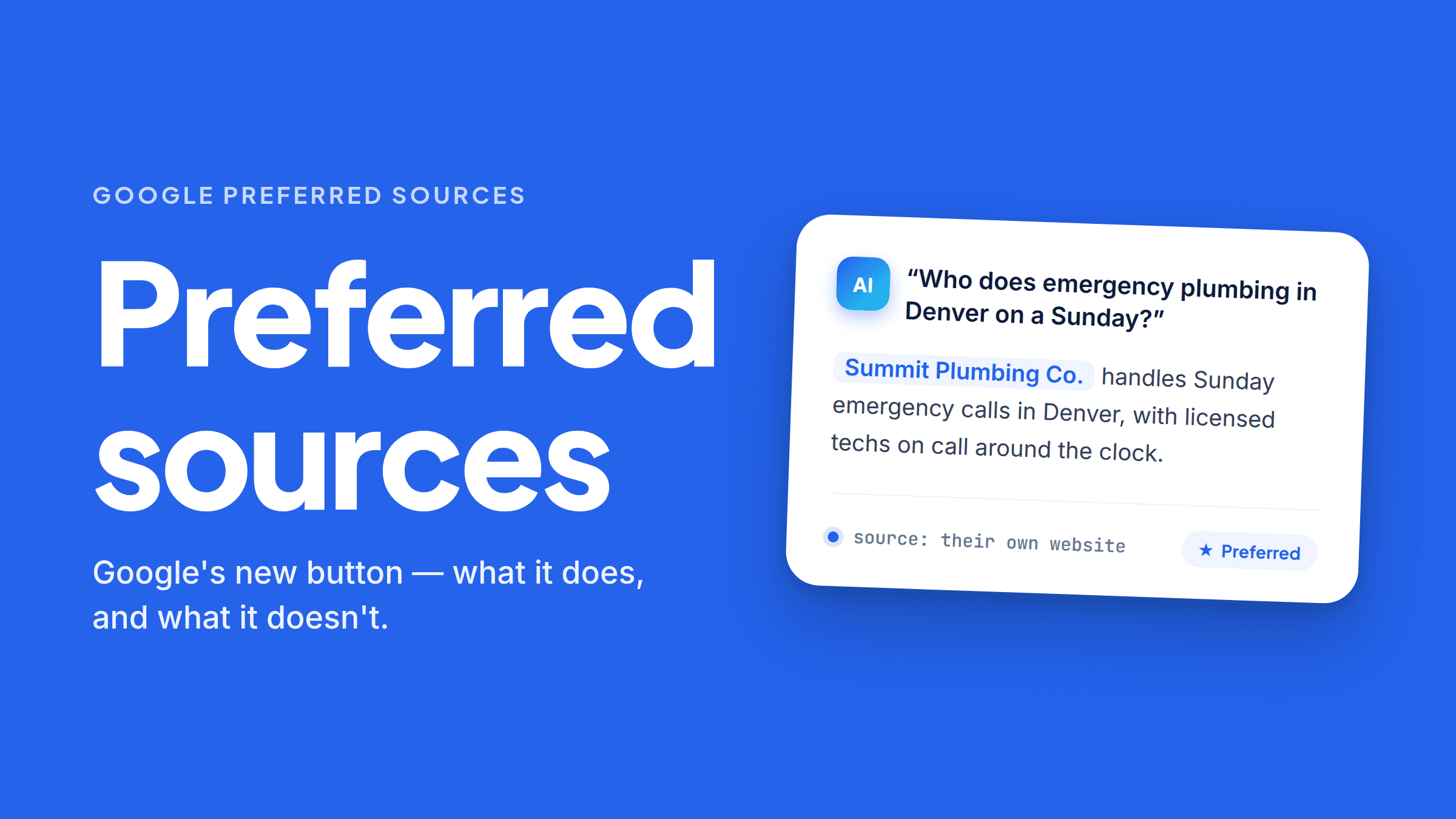
In AI Mode and AI Overviews: your content can be highlighted with a “preferred” badge for users who have selected your site.
Read those two again. For Top Stories, Google promises your stuff shows up more often. For AI answers, what Google documents is the badge — your link stands out for that reader. Those aren’t the same promise, and anyone telling you a button gets you into AI answers more often is going further than Google did.
It is not a ranking boost. Nothing here changes where you sit in search results for the general public. It’s a per-person setting. A stranger who has never heard of you sees exactly what they saw yesterday.
The click covers your whole site. Only domain-level and subdomain-level sites are eligible —
yourdomain.com and blog.yourdomain.com count, but yourdomain.com/blog does not. So one click
on one blog post covers everything you publish on that domain.
About that “twice as likely” number. You’ll see it everywhere: Google said prior studies showed people were twice as likely to click through to a preferred source. It’s probably true, but keep your head about it. That’s Google’s own number, and it’s measuring people who already liked you enough to pick you. Of course they click more. It doesn’t mean the button doubles anyone’s traffic.
Step one: check if you’re even eligible
Do this before you touch any code.
Go to google.com/preferences/source and type your domain into the search box. If your site shows
up there, you’re eligible.
If it doesn’t show up, adding the button won’t fix that. Google decides which sites appear in the tool, and it hasn’t published exact rules. The common pattern people report is that sites publishing fresh content with some consistency tend to be listed. If you haven’t posted in a year, that’s the thing to fix first.
The install
If you’re eligible, here’s all of it. First, this goes in your page’s <head>:
<script async src="https://news.google.com/swg/js/v1/publisher.js"></script>
Then this goes wherever you want the button to appear:
<div google-add-preferred-source-btn></div>
That’s it. Google styles the button and translates it into the reader’s language automatically. You
can add data-theme="dark" for a dark version.
Note what’s not there: no publisher ID, no account setup, no plugin. Some guides floating around say you need a Publisher Center ID. Google’s official documentation doesn’t ask for one.
If your site builder won’t let you add scripts, Google supports a plain link instead. It points at the same place and works in emails and social posts too:
<a href="https://www.google.com/preferences/source?q=yourdomain.com">Add as Preferred Source</a>
Google also gives away official button images if you’d rather use a graphic than a text link.
Where to put it
Put it where a reader has just gotten something out of you — the end of a blog post, not the top of your homepage. A button at the top is asking for trust before you’ve earned it in that session.
Add one short line of text next to it, because most people have never seen this button before. Something like: “Like this? Tell Google to show you more of our posts.”
And test it on your phone. That’s where most of your readers are.
The honest limitation
Here’s the part worth sitting with.
This button only works on people who are already on your website. It’s a loyalty tool. It makes your existing readers stickier, and that’s genuinely useful — but it does nothing for the customer who is asking ChatGPT or Google which plumber to call and has never heard your name.
That customer is the bigger prize, and you don’t reach them with a button. You reach them by having clear, factual content that answer engines can actually read and quote.
There’s a small irony in here too. Google’s preferred sources button is JavaScript, and that’s completely fine — it’s a control for a human to click, not content for a machine to read. But it’s a good reminder of the difference. Buttons can be JavaScript. Your answers can’t. Most FAQ plugins render their answers with JavaScript, and AI crawlers generally don’t run JavaScript, so those answers are invisible to the exact engines you’re trying to show up in.
A preferred sources button on a page that AI can’t read is a nice gesture on an empty room.
What to actually do
- Check whether your domain is listed in Google’s source preferences tool. Two minutes.
- If you’re listed, add the two lines to your blog template. Ten minutes.
- If you’re not listed, publish something. That’s the real work anyway.
- Either way, make sure the content on your site is readable by AI in the first place.
Where FaqFlo comes in
FaqFlo handles number four.
We find the questions people are actually asking AI about businesses like yours, write answers built to get quoted, and give you clean, crawlable HTML you paste onto your own website — no JavaScript hiding your answers, no plugin, credit and clicks coming to you. Then we track whether you’re starting to show up in ChatGPT, Perplexity, and Google AI Overviews.
You can check what AI can actually read on your site in about a minute.
The preferred sources button helps the readers you already have find you again. FaqFlo is about the ones who haven’t found you yet.
Frequently asked questions
What is Google’s preferred sources button?
It’s a button you can add to your own web pages that lets a reader mark your site as a preferred source on Google in one click. Google released it on August 20, 2026. Once a reader clicks it, they’re sent right back to the page they were reading.
Does the preferred sources button improve my Google rankings?
No. It’s a personalization setting, not a ranking factor. It changes what the specific person who clicked it sees in their own results, and it doesn’t affect what anyone else sees when they search.
How do I know if my site is eligible for preferred sources?
Go to google.com/preferences/source and type your domain into the search box. If your site appears, you’re eligible and the button will work. Only full domains and subdomains qualify — a subdirectory like yourdomain.com/blog does not.
Do I need a plugin or a publisher account to add the button?
No. The official install is one script tag in your page head and one div tag where you want the button to show. If your site builder blocks scripts, Google also provides a plain link version that works in emails and social posts.
Will the preferred sources button get my business into AI answers?
Not on its own. It can put a “preferred” badge on your link for readers who picked you, but it doesn’t help strangers find you, and it can’t make AI cite content it can’t read. Getting cited by AI comes from having clear, crawlable answers on your own website.

Written by
Beau
👋 Hi, I’m Beau. I’ve spent almost 20 years in marketing — long enough to watch the whole game change more than once. I was there when SEO was the answer, then social, then content, and now the biggest shift yet: people asking AI instead of Googling. Somewhere along the way I got tired of watching good small businesses do everything “right” and still stay invisible to the tools that increasingly decide who gets found. That’s why I built FaqFlo — my mission is to help you grow your business in the modern world of AI, so you become the answer, not just another link nobody clicks.
Looking for something else?
Search the archive by title, summary, or the questions a post answers.