 Beau
BeauAI Is Telling Customers the Wrong Hours About Your Business
When an answer engine doesn’t know something about you, it doesn’t say “I’m not sure.” It guesses — confidently.
Here’s a phone call you’ll never get.
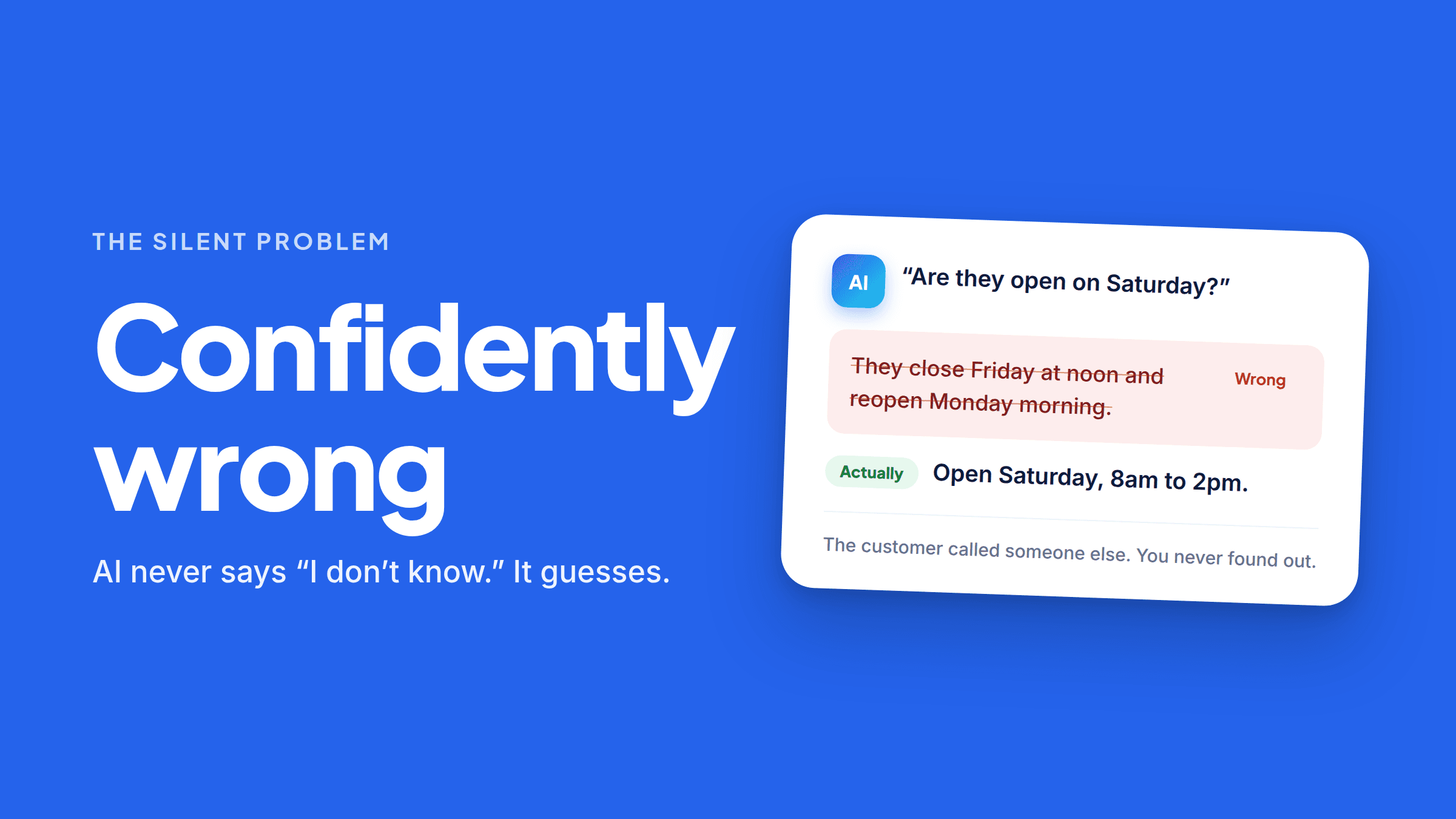
Someone asked an AI assistant whether you’re open on Saturdays. You are. The AI said you close at noon Friday and don’t reopen until Monday. So they called someone else, and you never found out it happened.
That’s the part that makes this different from every other marketing problem you’ve had. A bad ad you can measure. A slow website you can see. This one is completely silent.
Why AI makes things up about small businesses
It helps to understand the mechanism, because it explains what to do about it.
An answer engine assembles its answer out of whatever it can find. Your website, your Google Business Profile, directory listings, old cached pages, review sites, a local blog post from 2021. It stitches those together into something that reads confidently.
Where it has good information, it’s usually accurate. Where it doesn’t, a few things go wrong:
It uses stale data. You changed your hours eighteen months ago. A directory listing still says the old ones. That listing got crawled; your update maybe didn’t.
It fills gaps with what’s typical. If nothing readable says your hours, an engine can lean on what businesses like yours usually do. Most bakeries close at 3pm, so it says 3pm. You close at 6.
It blends you with a similar business. Same industry, same town, similar name. The details get crossed. This happens more than you’d think with common business names.
It reads the wrong part of your site. Your hours are in a nice graphic in the footer. The crawler can’t read images, but it can read the line on your Contact page that says “holiday hours may vary” — so that’s what it uses.
And critically: it never says “I don’t know.” These systems are built to produce an answer. Silence isn’t an option they take. When they can’t find your facts, they don’t leave you out with an apology — they produce something plausible.
It isn’t just hours
Hours are the easiest example, but the same failure hits everything a customer needs to know before calling:
- Prices — often quoted from an old page or a competitor’s range
- Service area — towns you cover, towns you don’t
- Services you don’t offer — getting recommended for a job you’d turn down wastes everyone’s time and burns a lead
- Whether you’re still open at all — permanently-closed flags on stale listings are brutal
- Booking requirements — “walk-ins welcome” when you’re appointment-only
- Phone number — an old one from a listing you forgot existed
Each of these is a customer who either doesn’t call, or calls and is annoyed before you say hello.
How to find out what AI says about you
Twenty minutes. Do this today.
- Open ChatGPT, Perplexity, Gemini, and Google (look at the AI answer at the top). Optionally add Claude and Copilot.
- Ask each one, plainly: “What are the hours for [your business name] in [your town]?”
- Then: “What does [your business] charge for [common service]?”
- Then: “Does [your business] serve [a town you cover]?”
- Then: “Is [your business] still open?”
- Write down every answer, especially the wrong ones.
Don’t argue with the AI or try to correct it in the chat — that doesn’t stick and doesn’t affect what anyone else sees. You’re gathering evidence, not negotiating.
Ask again from a signed-out or private browser window if you can, so you’re seeing something closer to what a stranger sees.
Doing this once is genuinely worth twenty minutes — you’ll learn more about how you look to AI than any summary could tell you. Doing it every month, in every engine, and remembering what each one said last time is the part that doesn’t survive a busy week. That’s the job FaqFlo does on a schedule: it asks the questions for you across ChatGPT, Perplexity and Gemini, and keeps the history so you can see what changed and when.
How to actually fix it
You can’t edit the AI. You can change what it reads. That’s the whole strategy, and it works in a specific order.
1. Fix your Google Business Profile first
It’s the single most-used source for local business facts, and it’s the fastest thing on this list. Claim it, correct the hours, set special hours for holidays, confirm the service area, correct the phone number, and fill in the Q&A section on the profile.
2. Put the facts on your own site as plain text
Not in an image. Not in a PDF. Not in a JavaScript widget that loads after the page does — AI crawlers generally don’t run JavaScript, so those answers aren’t there for them.
Write the facts out flatly:
What are your hours? We’re open Monday to Friday, 7am to 6pm, and Saturday 8am to 2pm. We’re closed Sundays, and we run emergency service 24/7 for existing customers.
That’s the kind of sentence an engine can lift straight into an answer.
3. Clean up the stale listings
Yelp, Angi, Bing Places, industry directories, that Chamber of Commerce page from 2019. Find the ones with old information and update or remove them. Search your own phone number to find the ones you forgot about.
4. Be consistent everywhere
Same business name, same address format, same phone, same hours, in every place. Inconsistency is where the confusion starts — if three sources disagree, the engine picks one, and it may not pick yours.
5. Then check again in a few weeks
Engines re-crawl on their own schedule. Fixes generally show up in weeks, not days, and not all engines update at the same pace.
The part worth sitting with
None of this is exotic. It’s the same principle that’s always governed being found online: if it isn’t written down somewhere a machine can read it, it doesn’t exist. Traditional SEO taught that lesson about search rankings. Answer Engine Optimization is the same lesson, one floor up, with higher stakes — because a search result that’s missing your hours just sends someone to your website, while an AI answer with the wrong hours sends them to your competitor and tells them it’s your fault.
The good news is that your business facts are the easiest content you’ll ever write. You already know all of it. It just has to be somewhere readable, in plain sentences, on a page you control.
Where FaqFlo comes in
FaqFlo checks what AI engines can actually read about your business, finds the questions customers are asking that you don’t clearly answer, and helps you publish plain, factual answers as crawlable HTML on your own website — so the engines have your real hours, prices, and service area to work from instead of a guess.
Then it keeps watching, across ChatGPT, Perplexity and Gemini, so you find out when something’s wrong before your customers do.
You can see what AI can currently read on your site in about a minute.
Frequently asked questions
Why does ChatGPT have the wrong hours for my business?
It builds answers from whatever it can find — your site, your Google profile, and directory listings, some of which may be years out of date. When no readable source states your current hours, it falls back on stale data or on what’s typical for businesses like yours.
How do I correct wrong information about my business in AI answers?
You can’t edit the AI directly, so you change what it reads: fix your Google Business Profile, publish your real hours and prices as plain text on your own site, and update or remove stale directory listings. The answers generally follow within a few weeks.
Does telling ChatGPT it’s wrong fix the answer?
No. Correcting it in a chat doesn’t change what other people see and doesn’t update the underlying sources. The only durable fix is correcting the information the engines are reading.
Why would AI say my business is permanently closed?
Usually a stale listing somewhere carries a closed flag, or an unclaimed profile was never corrected. Claim every listing you can find, starting with your Google Business Profile, and make sure your own website clearly states that you’re operating.
How often should I check what AI says about my business?
Every month or two is reasonable for most businesses, and any time you change hours, pricing, phone number, or service area. It’s worth checking across several engines, since they don’t all update at the same speed or draw on the same sources.

Written by
Beau
👋 Hi, I’m Beau. I’ve spent almost 20 years in marketing — long enough to watch the whole game change more than once. I was there when SEO was the answer, then social, then content, and now the biggest shift yet: people asking AI instead of Googling. Somewhere along the way I got tired of watching good small businesses do everything “right” and still stay invisible to the tools that increasingly decide who gets found. That’s why I built FaqFlo — my mission is to help you grow your business in the modern world of AI, so you become the answer, not just another link nobody clicks.
Looking for something else?
Search the archive by title, summary, or the questions a post answers.